For decades, our relationship with web browsers has been entirely passive. We open a tab, type a query into a search engine, and sift through a sea of blue links to find what we need. If we wanted to analyze data or summarize a report, we had to manually copy text and move it into a separate AI tool.
The launch of ChatGPT Atlas on October 21, 2025, marked a fundamental shift in this workflow. Instead of being a separate destination, AI is now the infrastructure of the browsing experience. Built by OpenAI on the Chromium engine, Atlas is a page-aware browser designed to understand the context of every site you visit in real-time.
What is ChatGPT Atlas?
ChatGPT Atlas is a dedicated desktop browser that integrates OpenAI’s most advanced models directly into the navigation interface. Because it uses the same foundation as Google Chrome, it supports all existing extensions and web standards. However, it replaces the traditional search-first philosophy with a reasoning-first approach. The browser doesn’t just display the web, it interacts with the code of a website to perform tasks, summarize information, and manage workflows on your behalf.
Why Was ChatGPT Atlas Created?
OpenAI developed Atlas to make browsing easier and to remove the gap between static information consumption and active AI assistance.
1. To Make Web Browsing Easier
Traditional browsing requires constant context switching. Atlas eliminates this by allowing the AI to read alongside you. When you read a technical paper or a complex legal contract, the browser understands the specific section you are looking at and can provide instant clarity.
2. To Save Time
You don’t need to switch between different apps or copy and paste anymore, everything happens in the same window.
3. To Help Beginners Learn Faster
For those tackling unfamiliar topics, Atlas acts as a persistent mentor. Because it has access to your screen context, it can guide you through complex dashboards or explain specialized terminology as it appears, significantly shortening the learning curve.
4. To Turn Browsing into a “Two-Way Conversation”
You can ask the browser to find specific data within a 50-page PDF or compare the claims of one article against another currently open in a different tab, transforming the browser into an active collaborator.
How to Download and Install ChatGPT Atlas Browser
Getting started with Atlas is a very easy process.
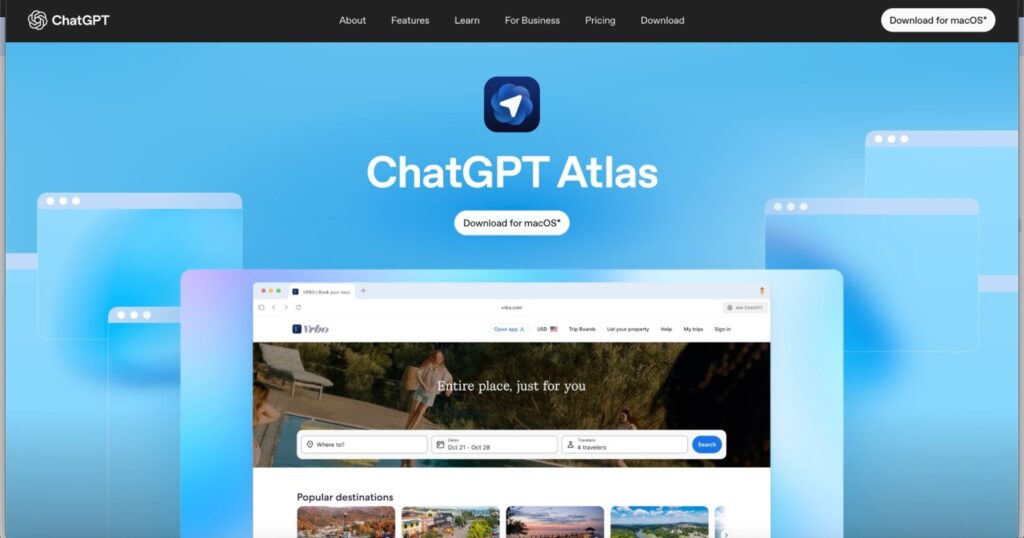
Step 1: Download the Browser
Visit the official OpenAI Atlas portal to download the installation package.
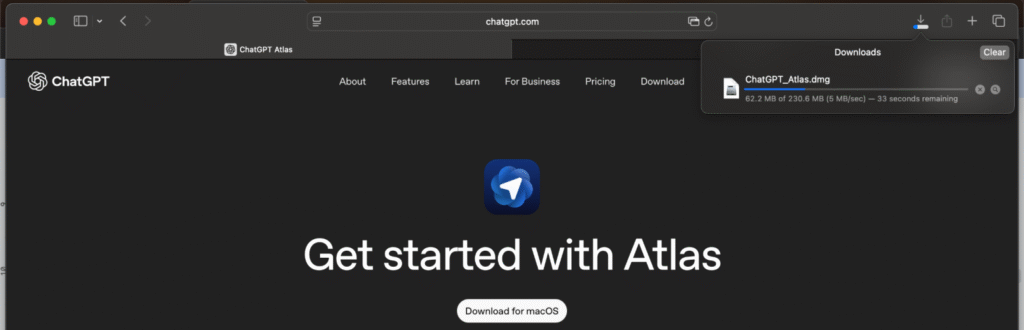
Step 2: Install
Open the installer and drag the Atlas icon into your Applications folder.
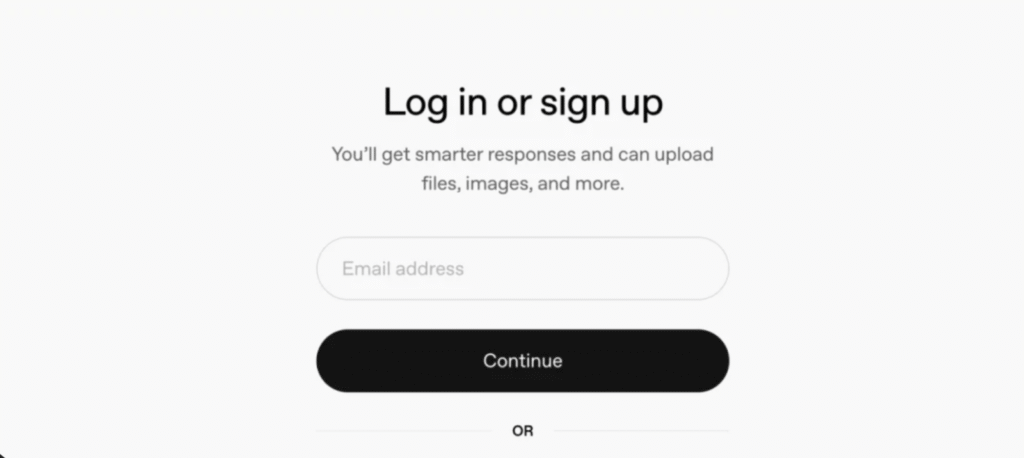
Step 3: Log In
Authenticate using your OpenAI credentials to sync your existing custom GPTs and conversation history.
Step 4: Import Browser Data (Optional)
During the first run, you can use the migration tool to pull passwords, bookmarks, and history from Chrome or Edge.
Step 5: Decide on “Browser Memory”
Choose whether to enable Browser Memory, which allows the AI to recall past research sessions to inform future queries.
Step 6: Start Browsing
Once active, the ChatGPT sidebar is accessible via a keyboard shortcut (like Option+Space) or the icon in the navigation bar.
Features of ChatGPT Atlas
1. Built-in ChatGPT Sidebar
The sidebar appears on the right side of your active tab. If you change websites, the AI immediately updates its context. You can ask it to summarize this page or explain it in simple and easy English, and it will scan the current site and provide an answer.
2. Highlight-and-Ask
Rather than copying text to a clipboard, you can highlight a block of code or text to trigger a hovering Atlas Menu. This allows you to explain, translate, or rewrite the selection directly inside the page.
3. Browser Memory (Optional)
Atlas can connect dots across different days. If you researched market trends on Monday, you can ask on Friday, How does this new article compare to the data I found earlier this week, it will cross-reference your history.
4. Agent Mode (For Paid Users)
Agent Mode represents Action-Oriented AI. For Plus, Pro, or Business subscribers, Atlas can perform multi-step tasks like finding a flight, navigating the seat selection screen, and filling out booking forms automatically.
5. Import from Other Browsers
Switching is seamless because Atlas allows you to bring your bookmarks and saved passwords from Safari, Chrome, or Firefox in one step, ensuring your workflow remains uninterrupted.
6. Privacy Control
Atlas includes a Privacy Shield in the address bar. Users can toggle what the AI can see, black out specific sensitive fields, or tell the AI to completely ignore a specific domain to keep data local.
Use Cases
Use Case 1: Summarising an Article
Researchers can open a lengthy whitepaper and request a bulleted summary of the core findings in seconds.
Use Case 2: Understanding Difficult Topics
Students can highlight complex paragraphs in a Wikipedia entry and ask Atlas to explain this using a simple analogy.
Use Case 3: Comparing Products
When shopping, users can ask the sidebar to create a comparison table of prices and features across multiple open tabs.
Use Case 4: Editing Content
Writers can draft an email or blog post and ask Atlas to “Refine the tone to be more professional” without leaving the browser.
Use Case 5: Planning a Trip
Using Agent Mode, a user can instruct Atlas to find a hotel under $200 with specific amenities and have it prepare the reservation link.
ChatGPT Atlas vs. Perplexity Comet vs. Google Chrome
| Feature | ChatGPT Atlas | Perplexity Comet | Google Chrome |
| Main Purpose | Action-oriented browsing and task automation. | Deep research and fast, verifiable knowledge. | Stable, general-purpose web navigation. |
| AI Integration | Native: built-in sidebar that reads and acts on the page. | Native; focus on citations and “Search Engine” results. | Add-on: uses Gemini as a companion or separate extension. |
| Ease of Use | High: conversational and natural for beginners. | Moderate; requires a “researcher” mindset. | Very High; familiar interface used by billions. |
| Time Saving | Extreme; automates multi-step tasks and summaries. | High; eliminates the need to click 10+ blue links. | Low; requires manual searching and vetting of sites. |
| Personalisation | Deep Memory: Learns your writing style and habits. | Intent Memory: Tracks goals across research sessions. | Account Sync: Personalisation is tied to your Google profile. |
| Agent Mode | Advanced: Can click buttons, fill forms, and buy items. | Limited: Automates research and tab organisation. | None: No autonomous AI action capabilities. |
| Ideal For | Power users, planners, and content creators. | Students, analysts, and fact-checkers. | General users who prioritize stability and sync. |
Limitations of ChatGPT Atlas
- Needs an internet connection: Cloud-based AI features require a stable connection to function.
- Can make mistakes: Like all LLMs, Atlas can hallucinate or misinterpret complex web layouts.
- Limited knowledge of very recent events: While it has web access, it may lag on events that occurred minutes ago.
- Privacy concerns: Entrusting browsing habits to an AI provider requires careful management of privacy settings.
- May slow down on weak systems: Running AI reasoning alongside a browser can be resource-intensive for older hardware.
- No full offline mode: AI tools are disabled when offline.
- Dependent on ChatGPT limits: Browser usage counts toward your account’s daily message limits.
- Not a replacement for deep research: It is an assistant, not a final authority for academic or medical facts.
These limitations don’t reduce the value of ChatGPT Atlas. They simply show that, like any new technology, it’s still improving. Even with a few flaws, it has already started changing how we browse and learn online. The best part is that future updates may solve many of these issues and introduce even smarter features.
Future Scope of ChatGPT Atlas
- Accessible on Windows, phones, and tablets.
- Work faster and run more smoothly.
- Understand your browsing habits in a more natural way.
- Support research notes, assignments, content writing, and planning tasks.
- Become a daily partner for study and work.
Key Takeaways
Context-Awareness: Atlas knows what you are reading, making it a smart layer over the web.
Action Over Navigation: The focus has shifted from finding links to completing tasks.
Privacy is Controlled: Users can decide when the AI is “watching” and when it isn’t.
Final Thoughts
ChatGPT Atlas is a new type of web browser that supports you while you browse the internet. It makes online learning and work easier and more organised. If long articles or difficult topics feel tiring, Atlas can help simplify them. It’s useful for students, professionals, writers, and anyone who relies on the internet for learning or work. Over time, it can become your main browser or a smart assistant for studying and working.
FAQs
1. Is ChatGPT Atlas free to use?
Yes, the browser is free. However, advanced features like Agent Mode require a ChatGPT Plus or Business subscription.
2. Can I use it on Windows?
Windows version is currently in stable beta and rolling out to all users throughout early 2026.
3. Does it support Chrome extensions?
Yes, it is fully compatible with the Chrome Web Store.
4. Will it remember my passwords?
Yes, it includes a native password manager that can import your existing data.
Suggested Blogs: