Writing a resume feels easy until you actually sit down to do it. Suddenly, every achievement feels small, every sentence feels awkward, and the blank page starts judging your life choices.
If this happens to you, you can take help from AI resume builders. They help structure your experience, suggest keywords, and speed up the writing process.
If you use them correctly, they can create a very good resume that matches your job description, but don’t use them blindly, as they can create generic resumes that recruiters ignore in seconds.
Let’s understand how AI resume builders work and the best AI tools for resume building.
What is an AI resume builder? And how does it work?
An AI resume builder uses artificial intelligence to create, edit, and optimize resumes. These tools analyze job descriptions, suggest relevant keywords, improve sentence clarity, and generate structured resume sections like summaries, skills, and experience.
Most AI resume tools rely on natural language processing (NLP) to understand professional language and match resumes with hiring requirements. This matters because many companies use Applicant Tracking Systems (ATS) to scan resumes before a human even reads them. If your resume lacks the right structure or keywords, it will not reach the recruiter.
AI helps solve this by:
- suggesting ATS-friendly formatting
- improving grammar and readability
- generating role-specific bullet points
- highlighting missing skills or keywords
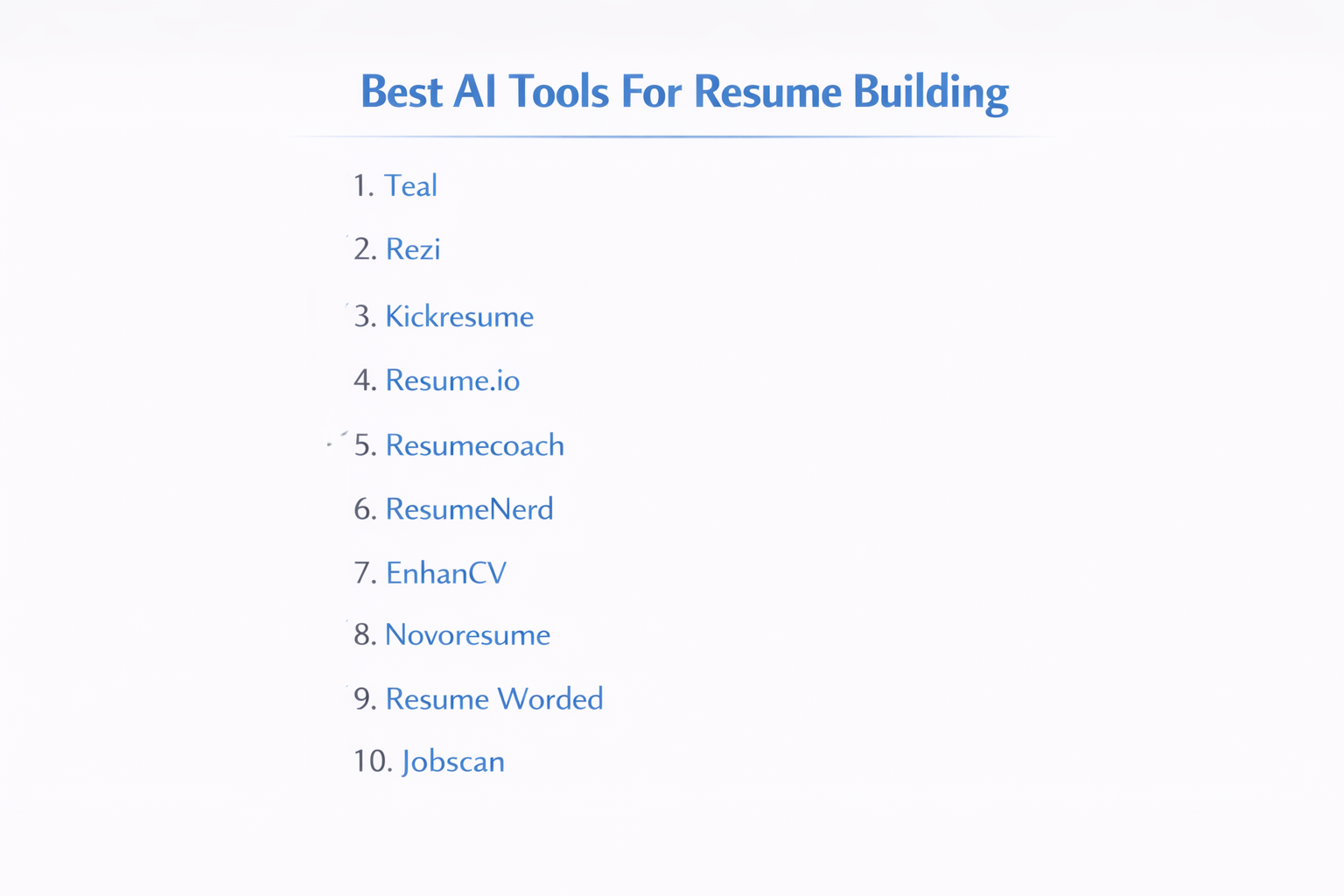
10 Best AI Tools For Resume Building In 2026
1. Teal
Teal is a comprehensive career growth platform. It doesn’t only build resumes, it includes a job tracker and a Job Monitoring tool that helps you manage your entire application process in one place. Its AI focuses on matching your resume to specific job descriptions.
| Pros | Cons |
| Includes an excellent job search tracker to stay organized. | The interface can feel overwhelming with too many features. |
| Tailors bullet points specifically to job descriptions. | Many advanced AI suggestions are locked behind a weekly/monthly fee. |
| Offers a Chrome extension to pull job details from LinkedIn/Indeed. | Free version limits the number of AI-generated credits. |
2. Rezi
Rezi is famous for its Rezi Score, which gives you a numerical value based on how well your resume is optimized for ATS. It uses a very structured, professional approach that avoids flashy designs in favor of what actually gets you hired.
| Pros | Cons |
| High focus on ATS optimization and scannability. | Limited creative templates; mostly plain, professional layouts. |
| AI keyword targeting helps you include the right skills. | The free tier only allows for one resume and limited downloads. |
| Real-time feedback on content quality and formatting errors. | AI credits for writing can be expensive to refill. |
3. Kickresume
Kickresume stands out for its visual appeal and AI-powered writing. It uses advanced language models (like GPT-4) to generate entire resumes from scratch based on your job title. It also features a Resume to Website tool.
| Pros | Cons |
| Beautiful, modern, and creative templates. | High-end designs might be “too busy” for very traditional industries. |
| Can generate a full resume draft in seconds using AI. | The best templates and AI features require a premium subscription. |
| Includes a cover letter builder and a personal website creator. | Some AI-generated text can feel generic without manual editing. |
4. Resume.io
Resume.io is built for speed and simplicity. It provides field-tested templates and a straightforward editor. It is ideal for job seekers who want a clean, professional resume without a steep learning curve.
| Pros | Cons |
| Extremely easy to use with a very fast setup. | The free version only allows downloading a plain text (.txt) file. |
| Real-time spell checker and pre-written phrases. | Limited customization for layout and font adjustments. |
| Automatically formats your data into multiple professional styles. | Recurring subscription model can be expensive if not canceled. |
5. ResumeCoach
ResumeCoach provides a step-by-step wizard that guides you through each section of your resume. It offers industry-specific tips as you write, making it a great choice for entry-level candidates or those switching careers.
| Pros | Cons |
| Offers great tips and how-to guides within the builder. | Cannot import existing resumes; you must start from scratch. |
| Wide variety of templates for different career levels. | Limited font and color customization options. |
| Simple pricing model compared to complex credit-based systems. | The resume checking tool is less advanced than its competitors. |
6. ResumeNerd
ResumeNerd uses a smart wizard that suggests pre-written content based on your job title. It is designed to take the writer’s block out of the resume-making process by giving you thousands of professional bullet points to choose from.
| Pros | Cons |
| Excellent library of pre-written professional phrases. | Lacks advanced AI features like Match Scores or ATS checkers. |
| Simple drag-and-drop interface. | Transparency issues reported regarding trial-to-subscription billing. |
| Offers a free Resume Check for basic formatting errors. | Templates are functional but can look a bit dated. |
7. EnhanCV
EnhanCV focuses on storytelling. It allows you to add unique sections like A Day in My Life, My Strengths, or Personal Philosophy. It is perfect for professionals in creative fields or startups.
| Pros | Cons |
| Highly customizable layouts with unique, personality-driven sections. | One of the more expensive options on the market. |
| Built-in AI feedback on your writing and content. | No option to export to Word (.docx); PDF only. |
| Clean, Instagram-style aesthetics that stand out. | EnhanCV branding/watermark is present on the free version. |
8. Novoresume
Novoresume is known for its high-quality, ATS-friendly templates that manage to look modern without being distracting. It offers a Live Feedback system that tells you if your resume is too long or if a section is too empty.
| Pros | Cons |
| Excellent free version that allows a one-page resume download. | The builder is rigid; you can’t easily drag sections anywhere you want. |
| Real-time optimization tips as you type. | Limited to PDF downloads only. |
| Very intuitive UI with a focus on logical content flow. | Advanced layouts are locked behind a “Premium” paywall. |
9. Resume Worded
Resume Worded is an AI platform designed by recruiters. Its primary strength isn’t just building a resume, but auditing one. You upload your existing resume, and it gives you a detailed breakdown of how to improve it based on what recruiters look for.
| Pros | Cons |
| Best-in-class feedback on LinkedIn profiles and Resumes. | It is a Reviewer first and a Builder second; building from scratch is harder. |
| Targets specific high-level metrics (impact, brevity, style). | The interface is text-heavy and less modern than Kickresume. |
| Provides specific examples of how to rewrite your bullet points. | Most detailed feedback is reserved for the Pro version. |
10. Jobscan
Jobscan is the industry standard for tailoring your resume to a specific job description. It scans your resume and the job posting side-by-side to show you exactly which keywords you are missing.
| Pros | Cons |
| Unbeatable keyword optimization for passing ATS filters. | Very limited resume builder; it’s mostly a scanning/audit tool. |
| Features a LinkedIn optimization tool as well. | The free tier is very restrictive (only a few scans per month). |
| Shows you exactly which skills recruiters are looking for in a specific ad. | Subscription costs are quite high for a single-purpose tool. |
How to use AI resume builders?
Using AI for resume writing can be helpful, but only when you guide the tool instead of blindly trusting it. If you use them carefully, AI can reduce effort without reducing authenticity.
1. Use AI to generate structure, not final wording
AI tools are very good at organizing resume sections in a clean professional format and suggesting logical sentence flow. However, the first draft created by AI feels generic and similar to thousands of other resumes. You should always rewrite the language in your own voice so the resume reflects your personality and experience.
2. Add metrics and results manually
AI cannot know the real numbers behind your work, such as revenue growth, time saved, or performance improvement. Recruiters trust resumes that show clear outcomes supported by data. When you include real metrics, your resume moves from an ordinary description to believable proof of impact.
3. Rewrite AI-generated resume summaries
AI tends to create polished but overly perfect introductions that feel disconnected from real career stories. A strong summary should clearly explain who you are, what you have achieved, and what direction you want next.
4. Use keyword suggestions selectively
AI resume builders scan job descriptions and recommend keywords to help with applicant tracking systems. While this improves visibility, forced keyword stuffing makes the resume awkward and difficult to read. The best strategy is to include only the terms that genuinely match your real skills and experience so the document stays honest and smooth.
5. Always review before downloading
Before downloading or sending the resume, a full review is essential. AI can produce small factual errors, repeated phrases, or exaggerated statements that harm credibility. Reading the resume allows you to correct tone, confirm accuracy, and ensure the final resume represents your professional journey.
Final Thoughts
AI website builders improve formatting, clarity, and keyword alignment, yet they cannot replace achievements or storytelling. When you use AI carefully, you can make your resume clearer, stronger, and more confident without losing authenticity.
FAQs
1. What is an AI resume builder?
An AI resume builder is a tool that uses artificial intelligence to create and improve resumes with better structure, wording, and relevant keywords.
2. Are AI-generated resumes accepted by recruiters?
Yes, recruiters accept AI-assisted resumes if the information is accurate, personalized, and reflects real experience.
3. Can AI improve chances of getting a job interview?
AI can improve resume clarity and keyword matching, which may increase visibility, but real skills matter most.
4. Is it safe to rely completely on AI for resume writing?
No, complete reliance on AI is risky because errors or exaggerations may appear, so human review is always necessary.
5. Which is better, manual resume writing or AI-assisted writing?
The best approach is a mix of AI for structure and human editing for authenticity and accuracy.
Related Blogs: