



Atoms.dev
Atoms.dev is a powerful AI-driven platform that turns your ideas into fully functional, professional websites and apps without needing to write a single line of code. It uses specialized AI agents to handle the research, design, and technical building, making it perfect for anyone starting a new business.

Dessix.io
Dessix.io is a visual workspace that helps you capture and organize your ideas alongside AI to build a shared understanding. It reduces cognitive load by automatically grouping your notes and web snippets into meaningful connections as you think.

AiToEarn
AiToEarn is an all-in-one AI platform that helps you easily create videos, write scripts, and grow your social media accounts. It handles the hard work of making and posting content so you can focus on building your business and earning more.

Predis.ai
Predis.ai is an all-in-one AI tool that helps you create complete social media posts, including videos, graphics, and captions, from just a simple text prompt. It also allows you to analyze your competitors and schedule your content across multiple platforms from a single dashboard.

ActiveCampaign
ActiveCampaign is an all-in-one platform that helps businesses send personalized emails and manage customer relationships automatically. It makes it easy to track sales and connect with your audience at the right time to help your business grow.

SocialBee
SocialBee is an easy-to-use tool that helps you create, schedule, and share posts across all your social media accounts from one place. It uses smart automation and AI to keep your profiles active and growing even when you are busy.
FAQs
Software Questions, Answered
How does WorkspaceTool help me choose the best software for my business?
WorkspaceTool provides detailed comparisons of various business software solutions, including features, pricing, user reviews, and expert insights. You can explore different categories like accounting, payroll, ERP, CRM, HR, and cloud computing to find the best fit for your business needs.
What factors should I consider when selecting business software?
When choosing software, consider the following:
Business Needs – Identify key features that align with your business processes.
Scalability – Ensure the software can grow with your business.
User Reviews – Check what other businesses are saying about their experience.
Pricing & Value – Compare costs and benefits to get the best ROI.
Integration – Verify compatibility with your existing tools and systems.
Can I compare multiple software solutions on WorkspaceTool?
Yes! WorkspaceTool allows side-by-side comparisons of different software solutions, helping you evaluate key features, pricing, and customer ratings in one place.
How can I find software recommendations tailored to my industry?
WorkspaceTool categorizes software based on industries such as finance, healthcare, retail, IT, and manufacturing. You can use filters to narrow down recommendations that best suit your industry-specific requirements.
Is WorkspaceTool free to use?
Yes, WorkspaceTool is free to browse and use for software research and comparisons. Some software providers may offer paid subscriptions, but the platform itself does not charge users for accessing reviews and insights.
Still got Questions on your mind?
Get answered by real users or software experts.
Best Price Guaranteed
Free Expert Consultation
Our Recent Blogs
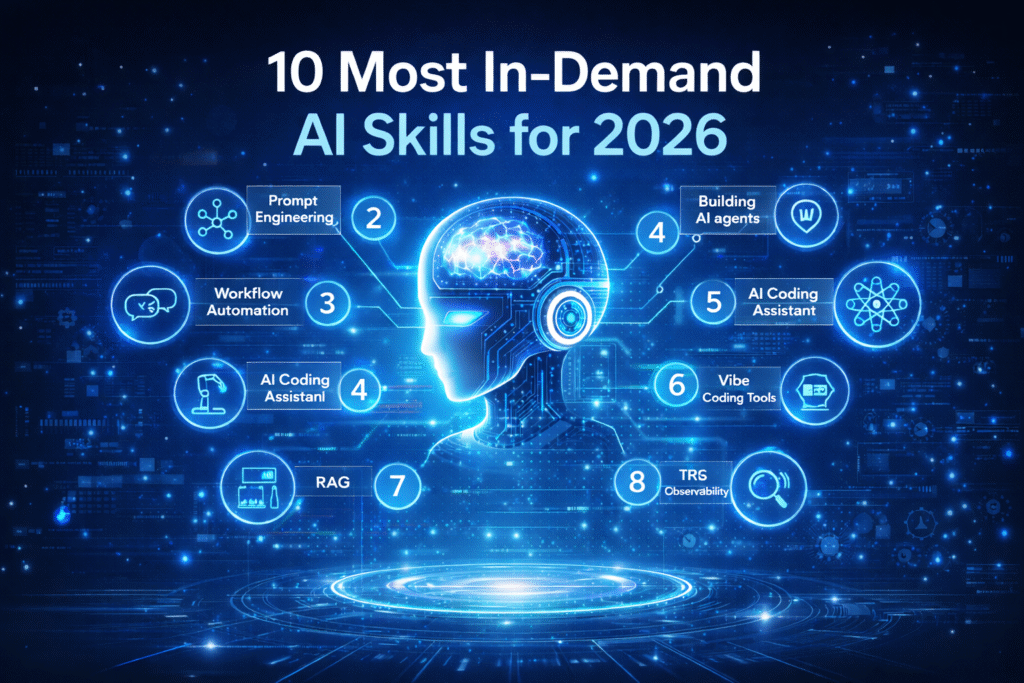
10 Most In-Demand AI Skills for 2026 and Future Career Growth
Discover the Most In Demand AI Skills for 2026 and understand how they are shaping…
Grok vs ChatGPT: Full Comparison, Features, Risks, and Future
Grok AI and ChatGPT are powerful AI tools, but they work best for different needs…

Weekly AI Updates #4: Top AI Tools & Trends This Week (28 Jan – 3 Feb)
This weekly AI updates blog post highlights the most important tools, trends, and changes in…
ChatGPT Atlas: Know What, Use Cases, and its Future Scope
ChatGPT Atlas is not just a web browser like Chrome or Safari. It has ChatGPT…

AI in Finance: Use Cases, Benefits, Challenges, and Future Trends
AI is transforming finance by improving fraud detection, credit scoring, customer support, and compliance through…

AI in Accounting: How Accountants Can Use AI In Their Jobs
AI is changing accounting by automating tasks like invoice processing, reconciliations, reporting, and client communication.…
Copilot vs ChatGPT: Which AI Tool Is Better for You in 2026?
Microsoft Copilot and ChatGPT are both powerful AI tools, but they work best for different…
Weekly AI Updates #3: Top AI Tools, Trends & Breakthroughs This Week (21 Jan – 27 Jan)
This weekly AI updates blog post highlights the most important tools, trends, and changes in…
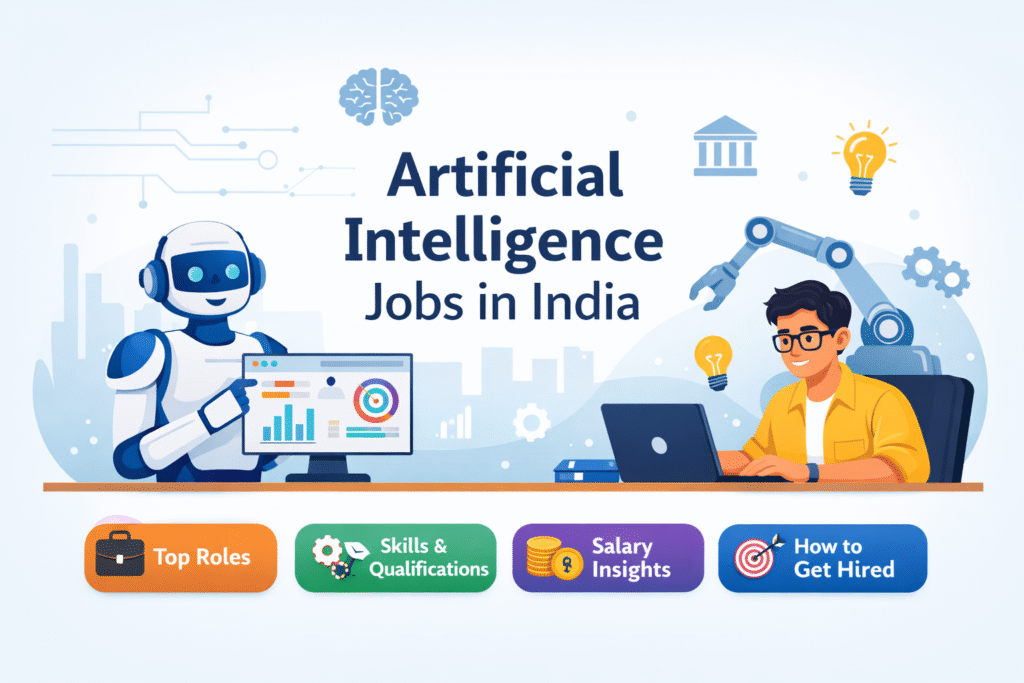
Artificial Intelligence Jobs in India: Top Roles, Skills, and Salaries
Artificial Intelligence jobs in India are growing fast, and companies are hiring for roles like…
Perplexity vs. ChatGPT: Which AI Tool Is Better?
Perplexity and ChatGPT are powerful AI tools, but they serve different purposes. This blog breaks…